
Protecht™
Beta Testing Guide
Help us build something great.
Thank you for being an early tester. Your feedback shapes the final product before our Pride 2026 launch.
Step 1 — Required
Download TestFlight
You'll need Apple's TestFlight app to install the Protecht beta on your iPhone. Tap below to get it from the App Store, then return here for next steps.
⬇ Get TestFlight on the App Store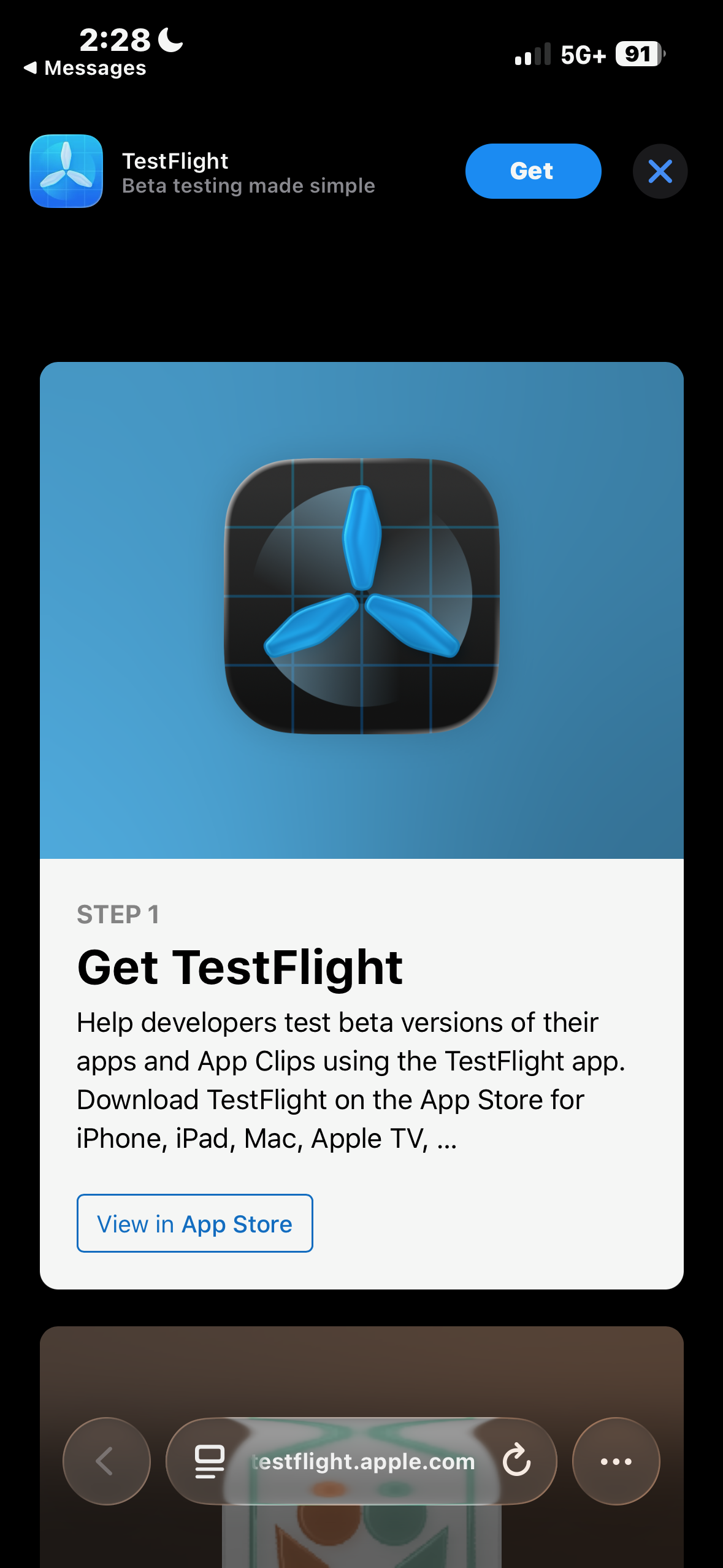
You'll see a two-step page: Step 1 to get TestFlight, Step 2 to install Protecht Health.
Step 2
Open the Beta Invite Link
Find the TestFlight invitation link in your email and tap it on your iPhone. It will open the TestFlight app directly to the Protecht Health beta.
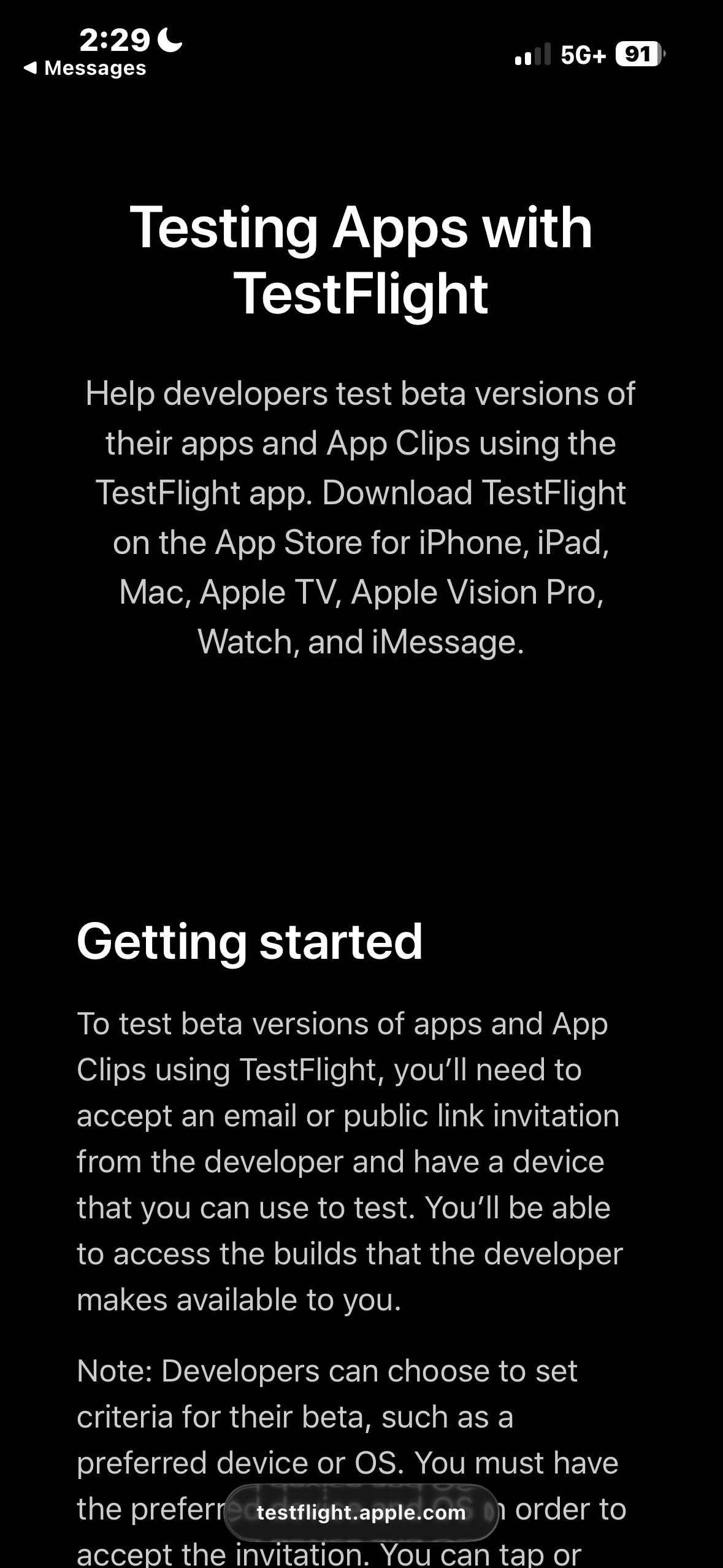
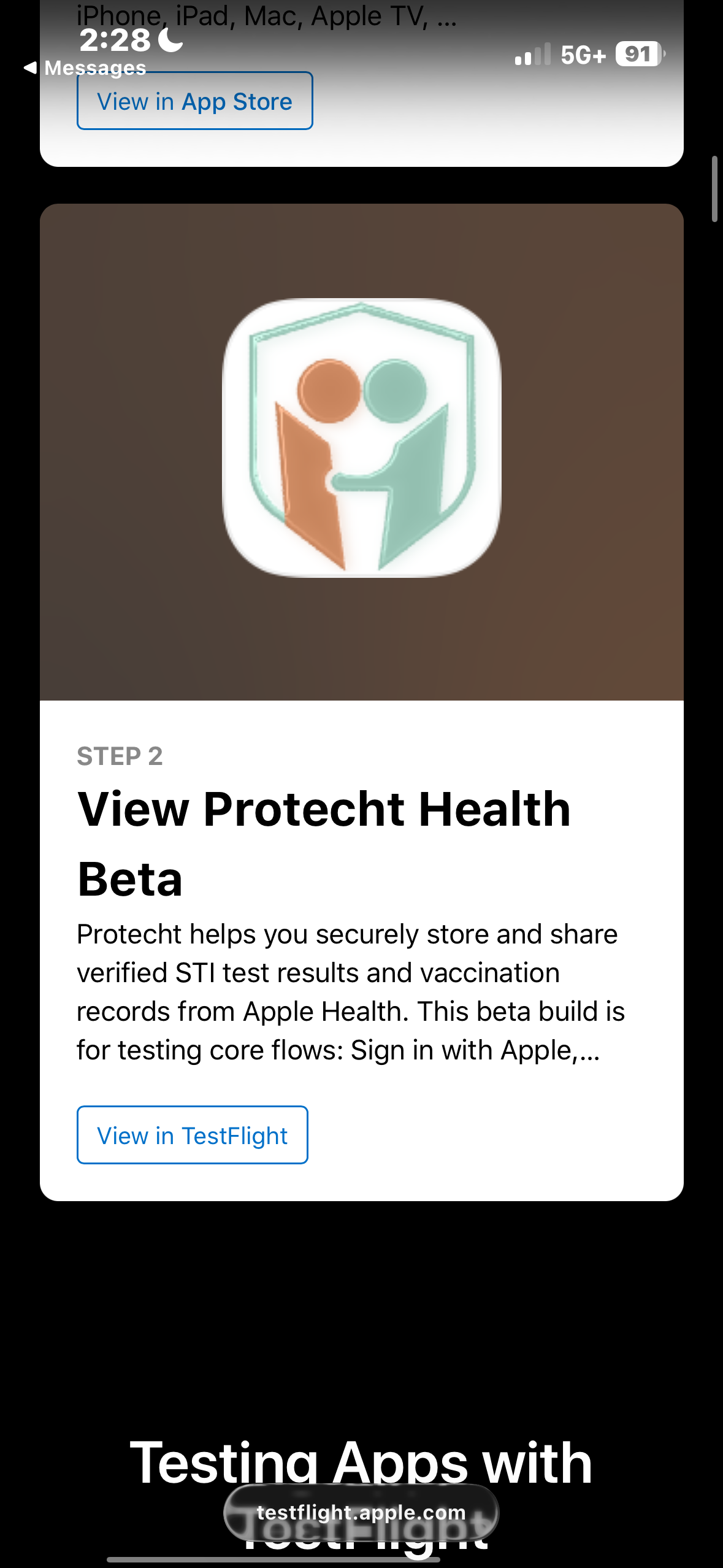
Tap Continue through the TestFlight welcome screens.
Step 3
Install Protecht Health
- 1
Open the TestFlight app on your iPhone.
- 2
You'll see the Protecht Health beta listing — tap Install to download the app.
- 3
Once installed, open Protecht from your home screen and begin testing.
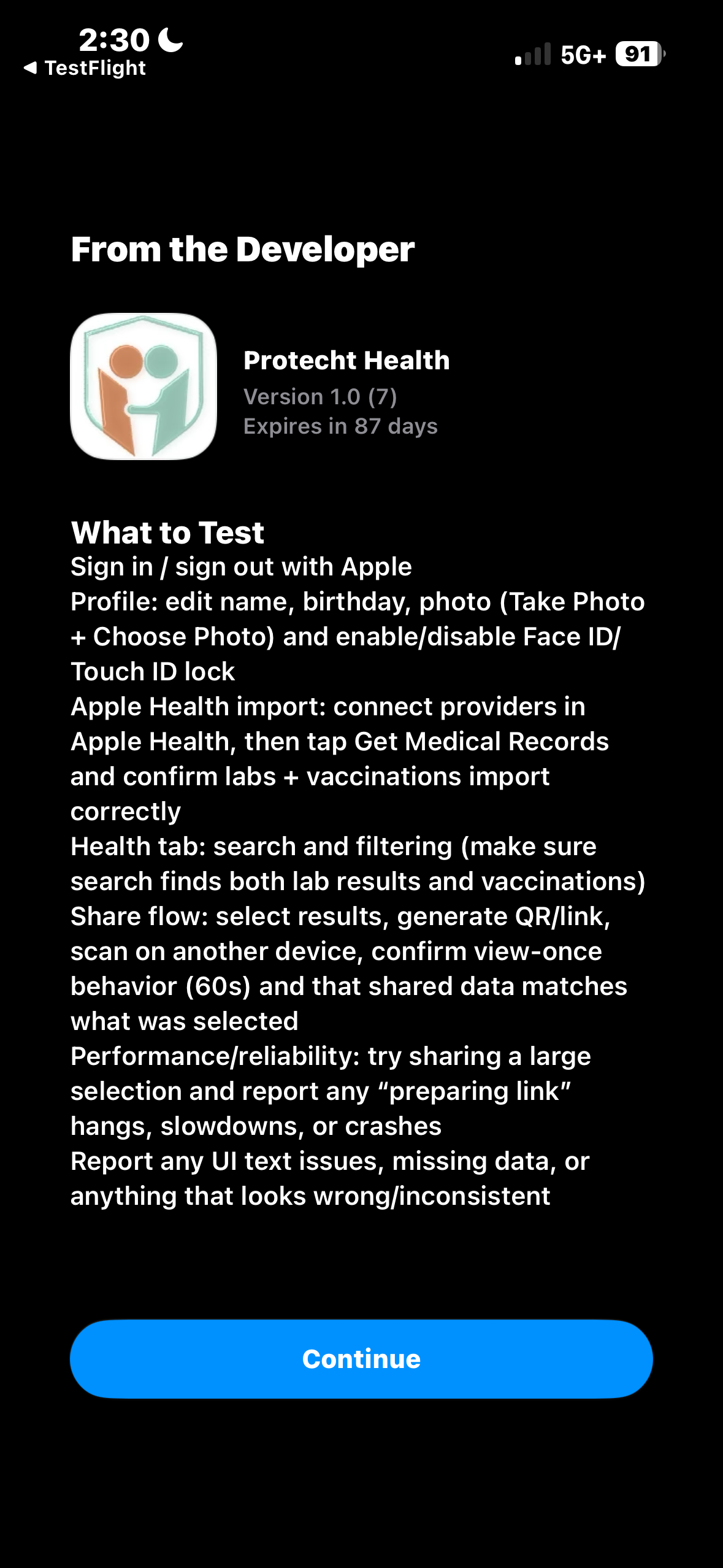
The app listing shows Version 1.0 · Build 7 · Developer: David Leder. Tap Install, then open the app.
Recommended things to check
Work through the items below at your own pace. Log anything that doesn't work as expected in the bug form above. Please email David Leder at info@protecht.health if you need help with the beta test. Learn more about how we approach security →
Account Setup
Use Sign in with Apple ID to create your account. Did this work without errors?
Health Provider & Records
Add a healthcare provider through Apple Health. Did this work?
Download your records. Did all records appear? If anything was missing, note what wasn't there.
Sharing Records
Can you select multiple records at once before sharing?
Did the QR code generate quickly after initiating a share?
Was another person able to successfully scan the QR code with their device?
Was the shared data on the recipient's device accurate and complete? Did the 60-second view-once timer work correctly?
Location Finder
Does the testing location finder return relevant results near your current location?
App Features
Search your downloaded records. Does the search function return correct results?
Can you open the Help Center from within the app?
Can you edit your profile info in the Profile tab?
Does Face ID work correctly from the Profile tab?
Does Sign Out work properly from the Profile tab?